
Tips and Tricks for Laser Marking your 3D Prints | Laser Marking Prints 101

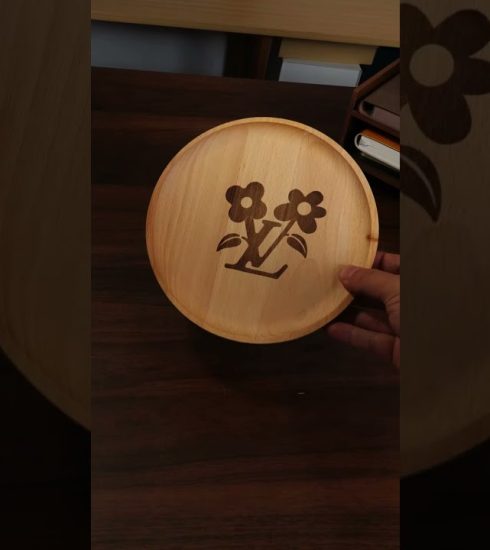
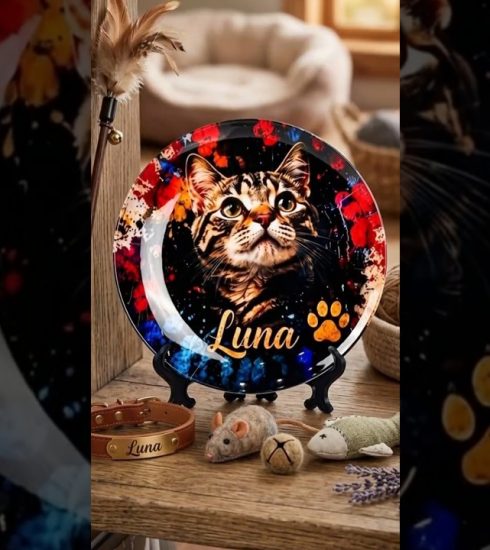
I’ve been using my xTool F1 Ultra fiber laser to mark and engrave my 3d prints and it works like magic, if you get the right material and settings. What laser do you need, what filament types work? I cover everything you need to know to get professional results.
xTool F1 Ultra – https://www.xtool.com/products/xtool-f1-ultra-20w-fiber-diode-dual-laser-engraver?ref=1DkofC9I&utm_medium=affiliate&utm_source=goaffpro&utm_term=5306
xTool F1 – https://www.xtool.com/products/xtool-f2-5w-ir-15w-diode-portable-dual-laser-engraver?ref=1DkofC9I&utm_medium=affiliate&utm_source=goaffpro&utm_term=5306
Batch Research Lab – https://www.batchmade.studio/laser-engrave-3d-prints-part2
My Favorite Tools – https://www.amazon.com/hz/wishlist/ls/26XWKXQK322W8?&tag=robertcowandi-20
My MakerWorld Models – https://makerworld.com/en/@RobertCowanDIY/
https://www.instagram.com/robertcowandiy/
00:00 Intro
00:31 What is plastic laser marking?
01:19 Laser Types
02:45 Filament Types
03:49 Color and Pigment
04:51 Color Examples
06:28 Settings Overview
06:56 General Settings
08:27 What to Expect?
09:11 Angled Marking
10:15 Conclusion
#xtoolf1ultra #bambulab #3dprinting #laserengraving
source