
Laser Engraving Test: Material Leather

Testing Laser Engraving on a Thin Leather Notebook | Laser Engraving Settings, Tips & Results
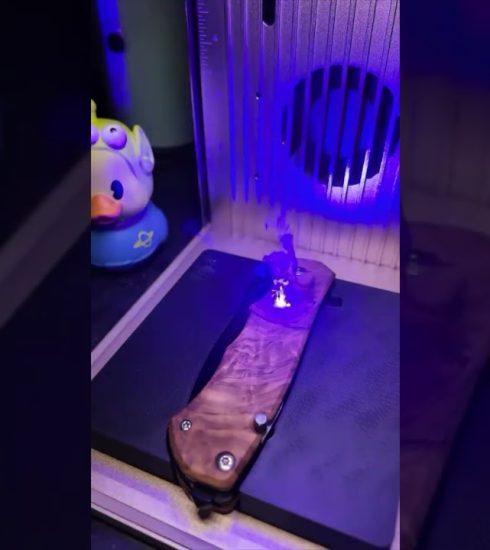
Dialing in the perfect laser settings for thin leather can make or break a project. In this video, I test engraving a thin leather notebook using a Creality Falcon A1 laser engraver to see how different power and speed combinations affect detail, burn depth, and overall clarity. If you’re working with leather or want cleaner, more consistent engravings, this breakdown will help you get reliable results.
What you’ll see in this test:
Power/speed settings for thin leather
How leather reacts at different intensities
Close‑up results of each engraving pass
Final engraved notebook outcome
Practical tips for clean lines and minimal burn
Leather is one of the most sensitive materials for laser engraving. Getting the right balance of power, speed, and focus is key for crisp detail without over‑burning. This test gives you real‑world results you can use for your own projects.
Tools Used:
Falcon A1 10w (Creality)
Thin leather notebook
Follow for more:
Laser engraving tests, woodworking builds, custom gift ideas, and behind‑the‑scenes from my shop here in Pennsylvania.
source