How to Fix a Clogged Epson EcoTank Sublimation Printer

How to fix a clogged Epson EcoTank sublimation printer that’s missing colors, printing streaks, or not printing at all!
🔴 FREE Sublimation Printer Purge Page ➡️ https://www.katherinelearnsstuff.com/free-purge-page/
My Epson EcoTank sublimation printer sat unused for an entire YEAR, and when I finally tried printing again… nothing! 😩
In this tutorial, I’m sharing how I got my badly clogged printer working again using nozzle checks, printhead cleaning, and CMYK purge pages. It took FIVE DAYS, but I was able to get it printing again without using the more aggressive Power Cleaning cycle.
=============================
🛒 My Sublimation Printer & Supplies
=============================
🖨️ Epson EcoTank Printer: https://amzn.to/3fl3Rsc
🎨 Sublimation Ink: https://amzn.to/3WhUtGA
📄 Sublimation Paper: https://link.amazon/B0aLOSzlF
Some links above are affiliate links. I may earn a small commission from qualifying purchases at no additional cost to you. Thank you for supporting my channel!
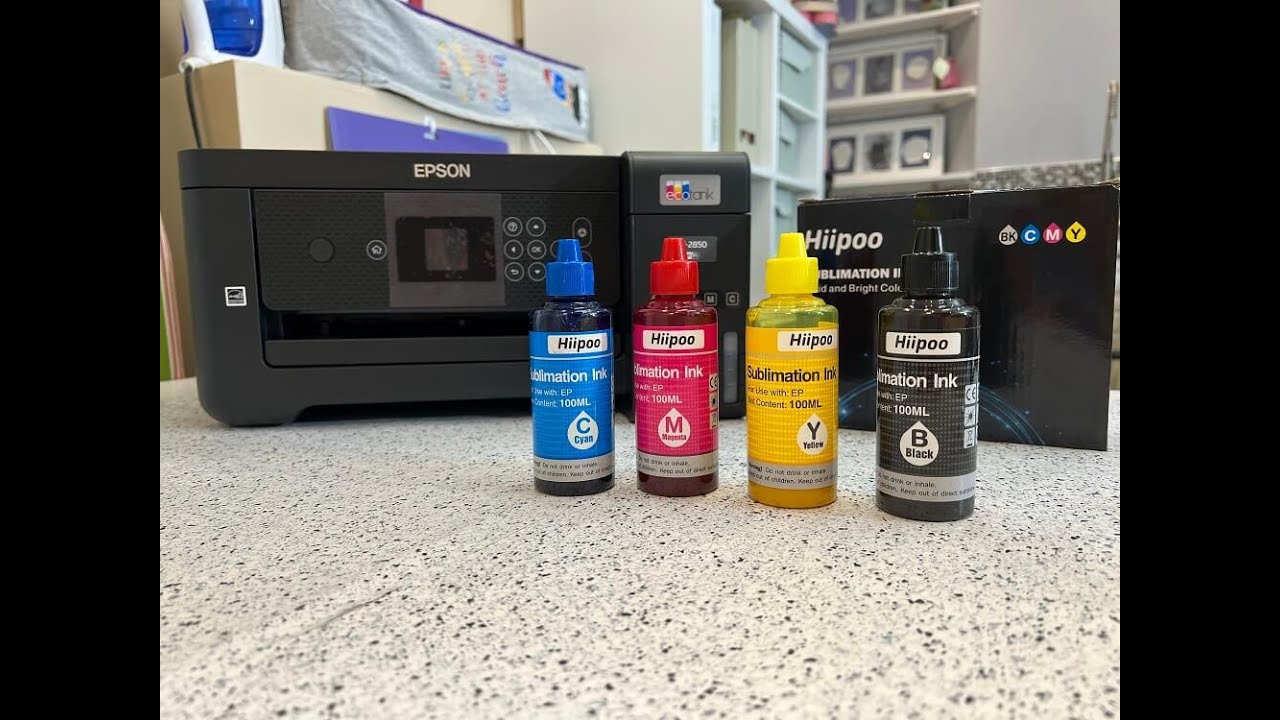
Note: My Epson EcoTank was converted for sublimation printing. It did not come ready for sublimation use.
=============================
🎬 More Sublimation Tutorials
=============================
Convert an Epson EcoTank for Sublimation:
Beginner Sublimation Craft:

Sublimation Tutorials Playlist:
=============================
⏰ TIMECODES
=============================
00:00 – Clogged Sublimation Printer? Start Here
00:29 – Starting the Unclogging Process
00:51 – Epson EcoTank Nozzle Check
01:18 – Cleaning Epson Printhead Nozzles
03:05 – FREE Sublimation Printer Purge Page
03:24 – Make a CMYK Purge Page in Canva
05:45 – Printing Purge Pages to Restore Colors
07:37 – Epson EcoTank Power Cleaning Explained
08:52 – Sublimation Printer Troubleshooting Tips
10:52 – Prevent Future Printer Clogs
=============================
What You’ll Learn
=============================
✅ How to check for clogged Epson EcoTank nozzles
✅ How to clean your Epson printhead
✅ How to make and print CMYK purge pages
✅ Why I took breaks between cleaning sessions
✅ When to consider Epson Power Cleaning
✅ How to save money using regular printer paper
✅ How weekly printing can help prevent future clogs
If your sublimation printer isn’t printing colors or has been sitting unused, this troubleshooting tutorial shows the steps that helped me bring mine back to life.
My biggest lesson? Don’t ignore your sublimation printer for months like I did! A little regular maintenance can save a lot of frustration.
💬 Is YOUR printer missing colors, printing lines, or refusing to print? Tell me what’s happening in the comments!
Subscribe for more beginner-friendly sublimation projects, crafting tutorials, and troubleshooting tips.
#SublimationPrinter #EpsonEcoTank #SublimationPrinting #SublimationForBeginners
Disclaimer: This video shares my personal printer troubleshooting experience. Results vary. Always follow your printer manufacturer’s maintenance instructions. This video is not sponsored by Epson.
source