

Enthusiast reverse-engineers Steam Controller 2 puck, creates DIY ‘OpenPuck’ that works without Steam Input — custom firmware can emulate Nintendo, PlayStation, and Xbox controllers

Valve‘s new Steam Controller lacks native XInput support, but you can still emulate it as long as Steam is running in the background. An enthusiast named Safijari has just engineered a more seamless solution, creating his own DIY “OpenPuck” that lets the Steam Controller emulate other gamepads on the fly. It can emulate Xbox, PlayStation, and even Nintendo layouts, and do so away from your PC.
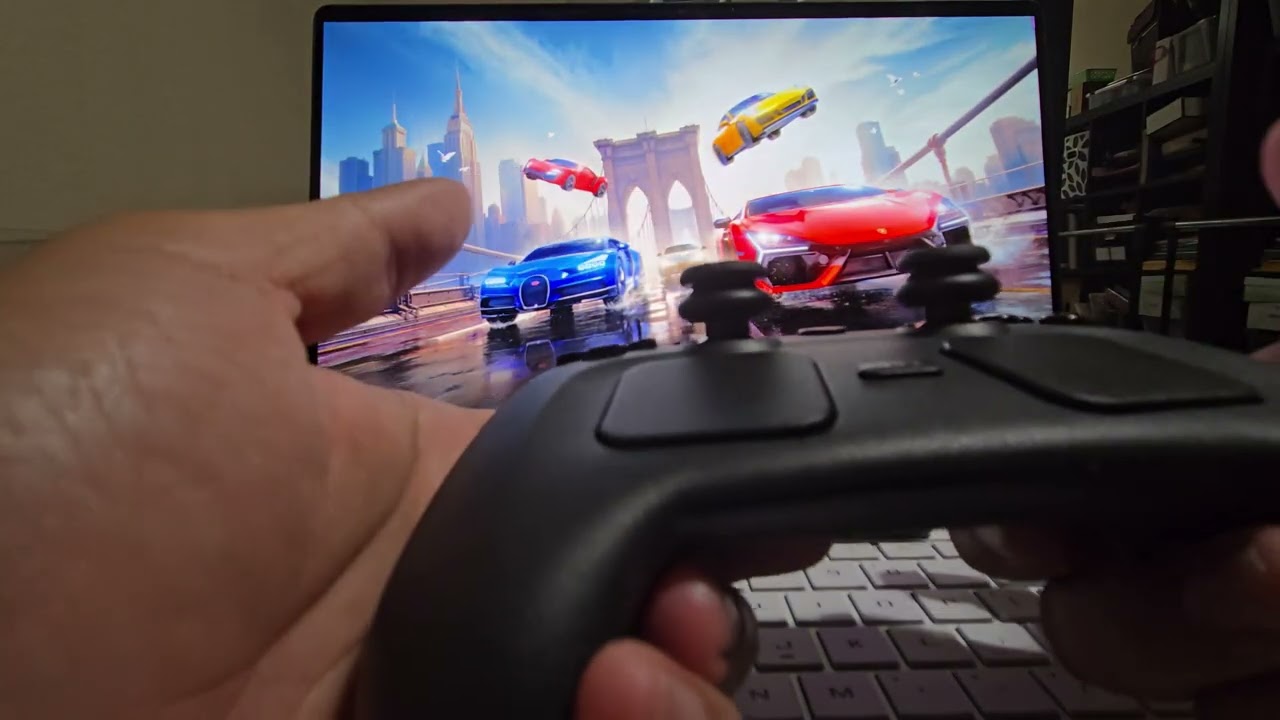
OpenPuck serves as open-source firmware for a microcontroller, allowing you to easily flash and convert that dev board into a DIY Steam Controller puck. The firmware intercepts raw data from the Steam Controller and translates it on-device, enabling fully-fledged, real-time emulation without the need for Steam Input.
There are other options out there, but the creator used a Pro Micro NRF52480 from Amazon that has the appropriate Bluetooth and 2.4 GHz radios. Once primed in DFU mode, all you need to do is plug the board into your computer via USB-C, drag and drop the Arduino sketch onto it, and the microcontroller turns into an OpenPuck right away. You can 3D print a case to make the assembly look more polished, too.

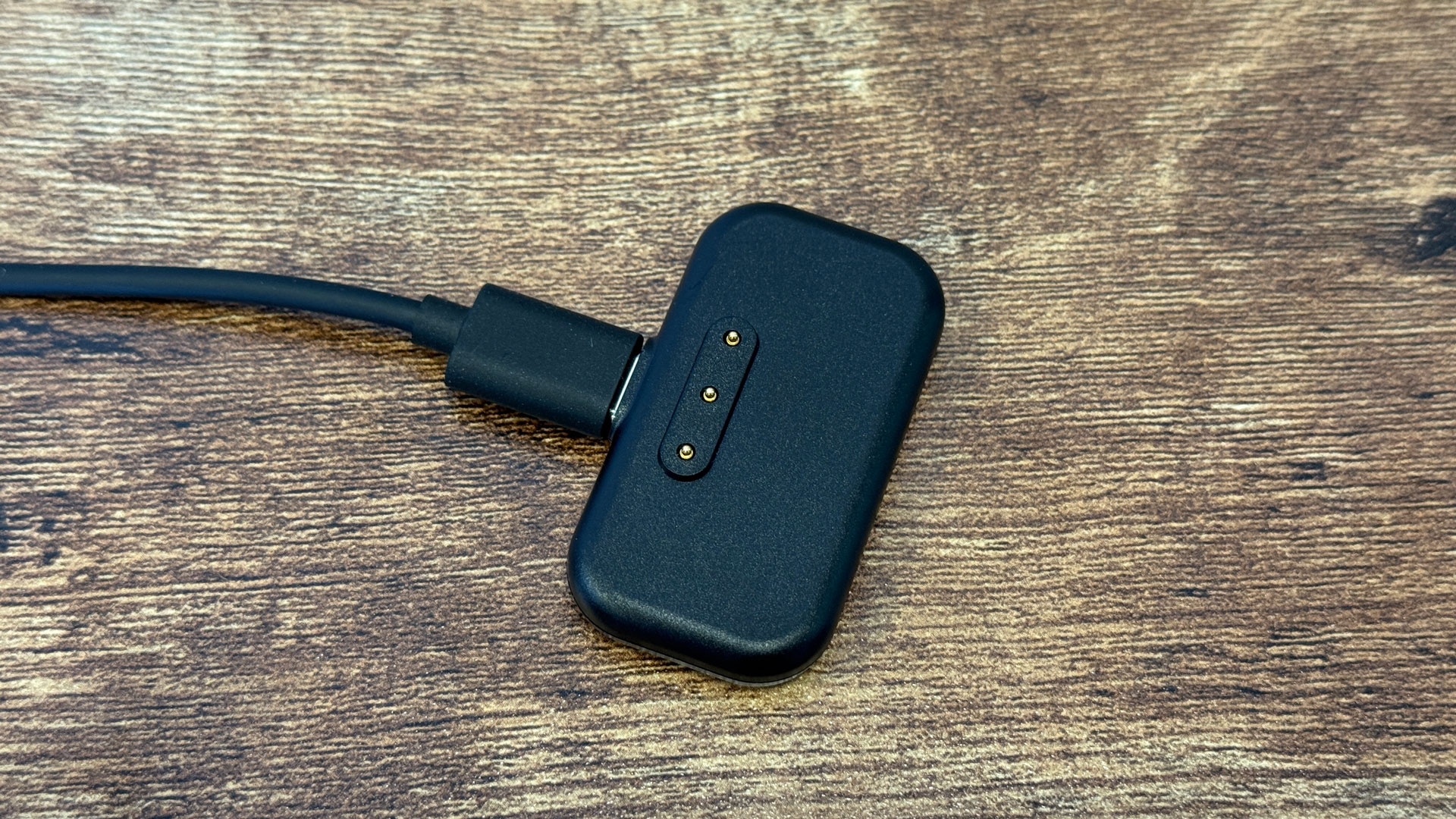
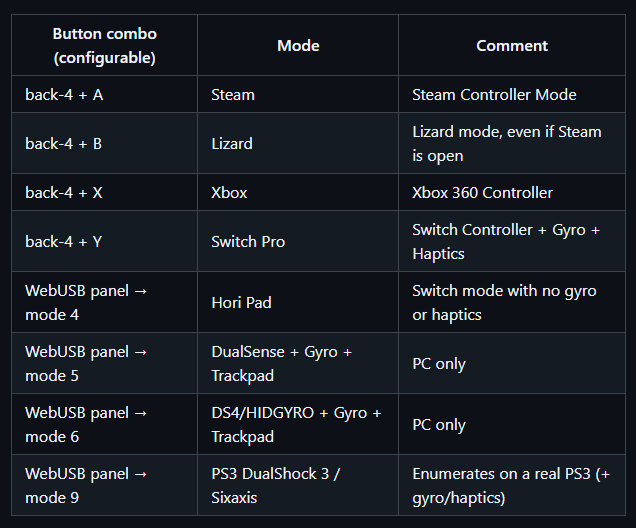
The sketch is available on the project’s GitHub page. Once you’ve flashed your controller, head to the configurator to manage the puck. It’s a simple website that uses the WebUSB API to manage the controller, allowing you to switch between the different modes, which include Switch Pro, Xbox, DualSense (PS5), and DualShock 4 (PS4). The project description claims the puck only has a 1ms latency.
The Switch mode works natively on a Switch console with gyro and haptics support, but you can also emulate a Hori Pad that disables those extra features. The PlayStation modes only work on PC, but there’s a special DualShock 3 mode that can work natively on a PlayStation 3 console as well, with gyro and haptics (Sixaxis). Of course, the default Steam Controller mode is also there.
You can switch between some of these different controller modes by pressing all four back buttons together and hitting either A, B, X, or Y, but the PlayStation modes require you to use the web configurator. Once everything is set up, however, the Steam Controller runs just like an official Switch, Xbox, or PlayStation controller without Steam even being open in the background.
There’s even a bonus “ReversePuck” sub-project that allows a Steam Deck to act as an external controller, supporting all of the Steam Controller’s features (except grip). If you flash a second NRF52840 Pro Micro and plug it into a Steam Deck, you can stream the Steam Deck’s built-in controls across the room over 2.4GHz to your OpenPuck-equipped PC, giving you access to essentially another Steam Controller.

Follow Tom’s Hardware on Google News, or add us as a preferred source, to get our latest news, analysis, & reviews in your feeds.