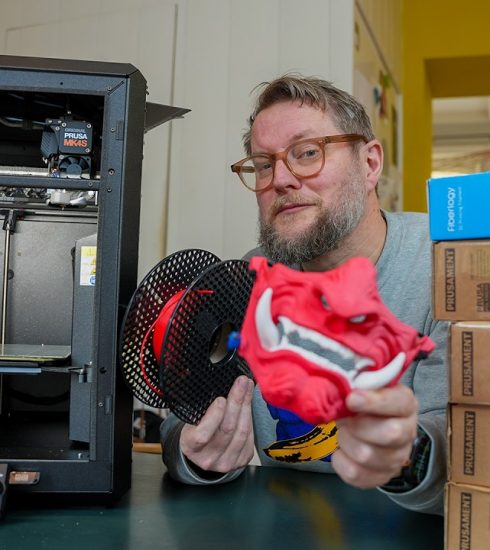


Creality Falcon A1 Laser Engraver Review | A Mechanic Should NOT Own This

Lance Mechanics here — and this is NOT your typical laser engraver review.
Creality (Creality Falcon) sent me the Falcon A1 laser engraver, and instead of doing a boring step-by-step unboxing, I decided to do what any mechanic would do: try stupid things with it and see what happens.
In this video, I laser engrave:
• Old mechanic tools
• A miner’s wrench (yes, the kind required underground)
• Metal plates
• Plastic tools
• Random shop junk
• And a few questionable ideas I probably shouldn’t admit to
The Falcon A1 has a built-in camera for easy alignment, an adjustable laser height, and enough power that you should NOT be careless around it. I’m not here to pretend I’m a laser engraving expert — I’m learning this the same way most mechanics learn new tools: by using it and seeing what breaks (or doesn’t).
If you’re a mechanic, DIYer, tradesperson, or just someone sick of polished influencer reviews, this video is for you. No scripts. No perfection. Just real-world use and real results.
⚠️ Disclaimer: Lasers are dangerous. Don’t stare into them. Don’t be an idiot like me. Wear proper safety gear.
🔗 Your Falcon A1
Creality Falcon A1 10W Diode Laser Engraver and Cutter
⚡ 10% Code: A1A1P10
#CrealityFalconA1 #FalconA1 #Creality #CrealityFalcon #LaserCutting #LaserEngraving
This is just the beginning — I’ve got a LOT of ideas for this engraver, and things are going to get weird.
Thanks for watching,
– Lance Mechanics
Creality Falcon A1
Falcon A1 laser engraver
Creality laser engraver
laser engraver review
laser engraving metal
engraving mechanic tools
laser engraver for tools
mechanic laser engraving
shop tools engraving
DIY laser engraver
Falcon A1 review
laser engraver camera lid
engraving steel tools
engraving plastic tools
workshop laser engraver
source