
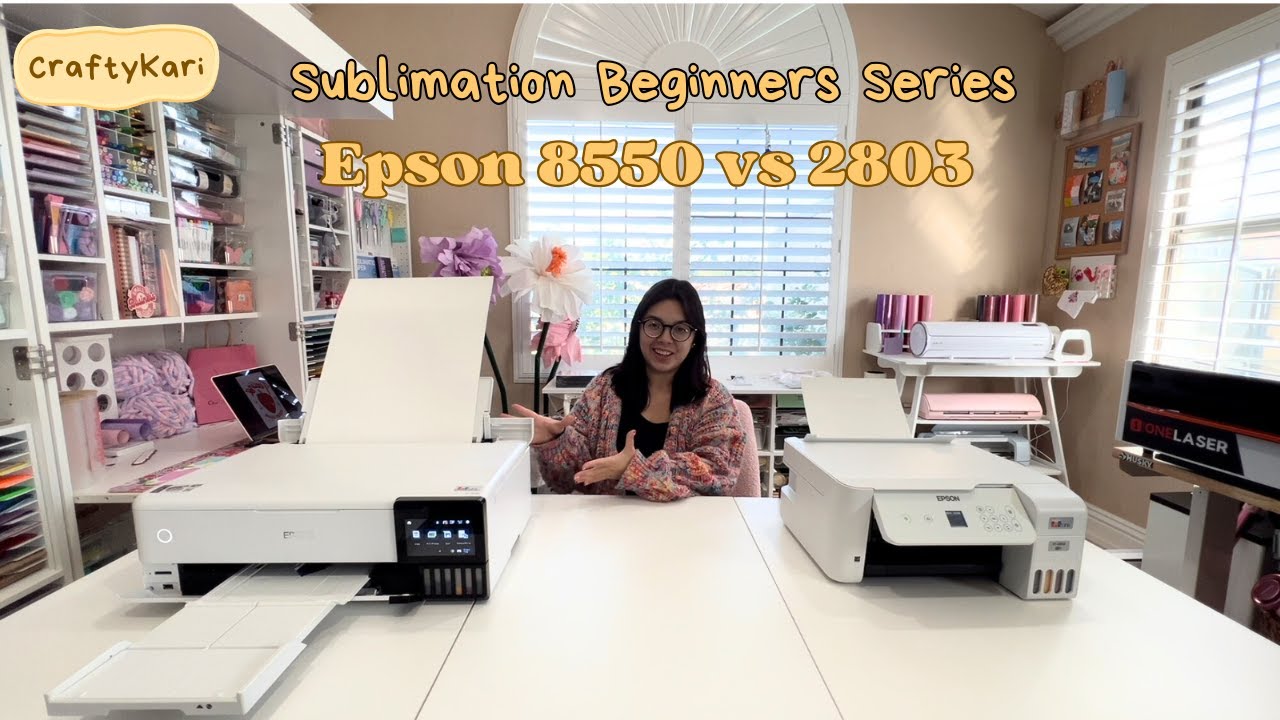
How to Convert an Epson EcoTank 8550 for Sublimation | Sublimation Beginners Series

Ready to start sublimation? Today, I’m walking you through how to convert the Epson EcoTank 8550 into a sublimation printer! 🖨️✨ If you want to print large-format sublimation designs (up to 13×19 inches) for t-shirts, baby blankets, and more this is the printer for you!
💻Take a sublimation class with me → https://www.craftykari.com/collections/shop-cricut-zoom-classes
🔗 Shop My Favorite Sublimation Supplies:
🖨️ Epson EcoTank 8550 Printer → https://amzn.to/3FgFmcb
🖨️ Epson F570 Printer →https://bit.ly/4jLOPYz
🖤 Hiipoo Sublimation Ink → https://amzn.to/4iJlAEE
📜 Cosmos 13×19 Sublimation Paper → https://shrsl.com/4uwf8
📜 Cosmos Sublimation T-Shirts → https://shrsl.com/4uwf7
✔️ Heat Press 16×24 → https://www.heatpressnation.com/products/hpn-signature-pro-16-x-24-auto-open-heat-press-with-pressure-marker?ref=KARINAGALINDO
Some of these links are affiliate links, using them helps support my channel & allows me to stay home with Monse! Thank you for your support! 💖
Are you thinking about converting a sublimation printer? If you want to see how the Epson 8550 compares to the Epson 2803 Here is the video
#SublimationForBeginners #ConvertEpsonForSublimation #SublimationPrinting #Epson8550Sublimation #SublimationTutorial #SublimationTshirts #SublimationInk
source