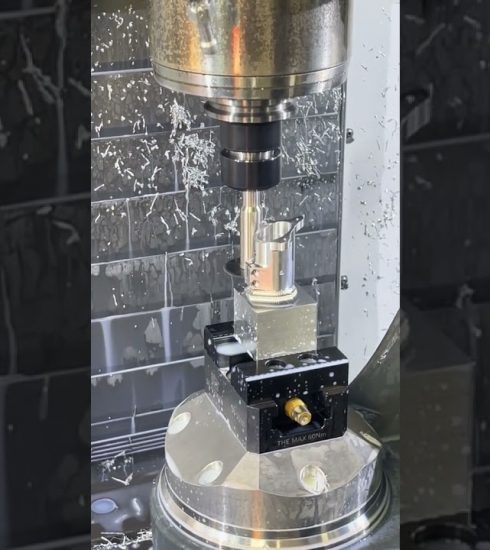
Cutting MaxMetal panels on the CNC

Cutting a 36×24 design out of a panel of MaxMetal Aluminum composite material. I chose the @Cadence_MFG 1/4 inch downcut O flute bit for the job. Using the downcut O-Flute prevents material rise and also gives a nice smooth edge on the material. I ran the job using the new MillMage software and my Shapeoko 5 Pro CNC.
Become a CLACKSTER join us here:
https://www.youtube.com/channel/UCYKuk74NJJUw0wkAPgov8mw/join
Interested in other things that go on around our country home? Check out my other channel— https://www.youtube.com/@TheClackleys
For templates that I have made, check out my Etsy shop. I build files for projects and tools for laser engravers as well as CNC project files.
https://theclackshack.etsy.com
For Clack Shack shirts, click here-
https://www.thisandthatvinyl.com/product-category/the-clack-shack/
The links below are affiliate links that will direct you to the product in this video. If you use this link for a purchase, I will receive a commission from the purchase. I remain unbiased and honest in my assessment as always.
All of my affiliate links through the website- https://theclackshack.com/shop
The Clack Shack on Amazon= https://www.amazon.com/shop/theclackshack
Lightburn / MillMage software- https://lightburnsoftware.com/theclackshack
Carbide 3D CNC machines- https://shop.carbide3d.com/THECLACKSHACKLLC
Jenny Bits- https://www.cadencemfgdesign.com/
Maxmetal panels- https://www.maxmetal.com/
@MillMage-LB @carbide3d @Cadence_MFG
source