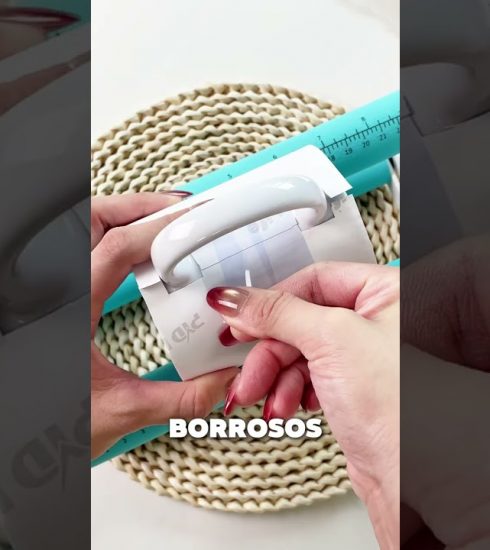
Epson Sublimation Print Settings: Eliminate Muddy Colors #Shorts

You will learn the exact driver settings and paper specs needed for vibrant results. Discover how to configure ICC profiles and resolution to prevent banding.
1. Select Sublimation Paper Media: Sublimation Paper
2. Disable High Speed Printing: High Speed Off
3. Use Photo Black Ink Mode: Photo Black
💬 What Epson model do you use and does it have an EcoTank?
Full guide: https://sublimationstarter.com/blog/epson-sublimation-print-settings-7-critical-adjustments/
#Shorts
Music: “Heartwarming” Kevin MacLeod (incompetech.com) | Licensed under Creative Commons: By Attribution 3.0 (creativecommons.org/licenses/by/3.0)
source