

Mastering XTool F1 Software For FLAWLESS Laser Engravings

👇🏼Tap for INFO & LINKS👇🏼
https://xtool.pxf.io/rEnj9D
CHIPPED80: $80 off orders over $999
CHIPPED100: $100 off orders over $1,699
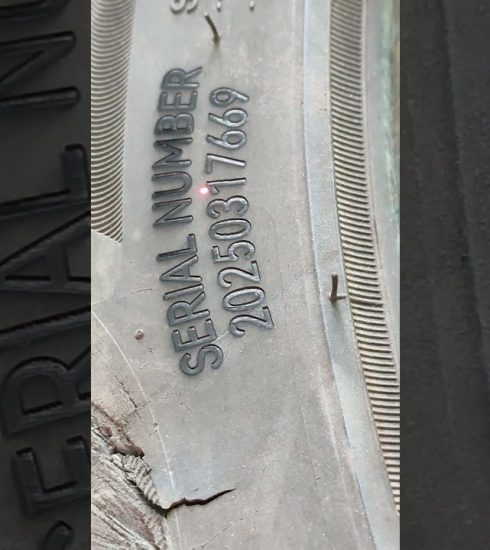
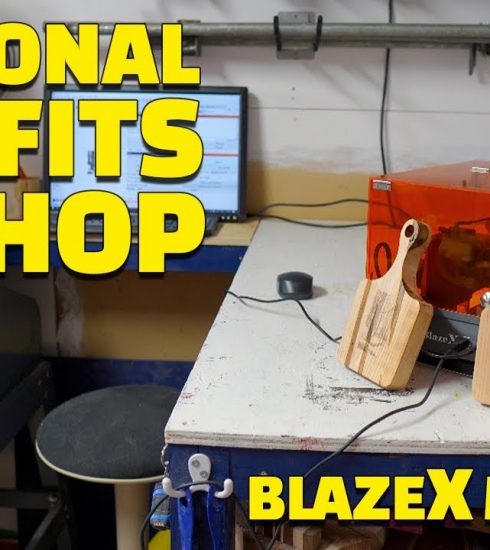
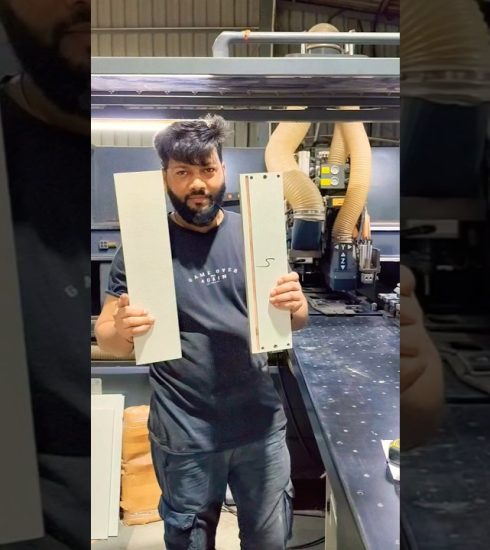
Unlock the full potential of your xTool F1 with this in-depth guide to mastering xTool F1 software for flawless laser engravings! Whether you’re a beginner or looking to fine-tune your engravings, this tutorial covers everything from essential settings to advanced techniques that will improve precision, clarity, and efficiency.
🔹 What You’ll Learn in This Video:
Step-by-step guide to navigating xTool F1 software
Best laser engraving settings for different materials (wood, acrylic, tumblers, leather, etc.)
How to adjust power, speed, and DPI for sharp, clean engravings
Troubleshooting common engraving issues (blurry lines, weak burns, misalignment)
Expert tips to optimize your workflow and boost efficiency
If you’re ready to take your laser engravings to the next level, hit LIKE 👍, SUBSCRIBE 🔔 for more laser cutting and engraving tutorials, and drop a comment below with any questions!
Subscribe: https://www.youtube.com/c/ChippedBuilds?sub_confirmation=1
Glowforge Discount Link: https://share.glowforge.com/aqhc5s6z
Xtool Affiliate Link: https://www.xtool.com/?ref=tbajytmo&utm_medium=null&utm_source=influencer
Xtool F1 Ultra:https://bit.ly/3AYu8Ho
Lasers & Crafting & Tools, Oh My! Facebook Group:
https://www.facebook.com/groups/625221538774105/
For business inquiries, e-mail: ch***********@***il.com
SHOP:
https://makerflo.com/chippedbuilds
https://www.etsy.com/ca/shop/ChippedBuilds
https://amzn.to/3cIyKPV
SUPPORT:
Wish List: https://www.amazon.com/hz/wishlist/ls/1FM9FRCBGVXQO?ref_=wl_share
TOOLS & MATERIALS:
Laser: https://go.makerflo.com/3Y5TTyf
Rotary: https://amzn.to/3Dz6suA
Button: https://amzn.to/3DA0Os7
Slate Coasters: https://amzn.to/41BS38W
Leather Koozie: https://amzn.to/41BZexY
Koozie Jig: https://www.etsy.com/listing/1845790996/leather-koozie-jig-for-xtool-f1-laser?click_key=c4248226c8694d1f64177cf8afd4296025694e4c%3A1845790996&click_sum=f01c3a98&ref=shop_home_active_4&frs=1&crt=1
Black Acrylic: https://www.xtool.com/collections/material-acrylic/products/1-8-black-acrylic-sheet-plexiglass-1pcs?_fid=60d223a31&_pos=45&_ss=c&ref=tbajytmo&utm_medium=affiliate&utm_source=goaffpro&utm_term=null
Keychain hardware: https://amzn.to/3DrRM0w
Laser glasses: https://amzn.to/3DsYEuu
Metal Business Card: https://amzn.to/3DrvtYD
Plywood: https://amzn.to/41ObVad
Rotary Upgrade: https://amzn.to/4ivSTuJ
20oz Tumbler: https://go.makerflo.com/4jf9kfs
Whiskey Glass: https://go.makerflo.com/4iS8k0Z
Whiskey jig: https://www.etsy.com/listing/1861851284/whiskey-glass-jig-for-xtool-f1-precision?click_key=6d5ed62e32e9c8826e48cfe4daf2b3fea8bde9cf%3A1861851284&click_sum=1e0b0787&ref=shop_home_active_2&frs=1
IPA: https://amzn.to/3XyP8g0
Chalk Marker: https://amzn.to/4bz2nTQ
Rub n Buff: https://amzn.to/4hgR3wP
Paper Towels: https://amzn.to/3DmuCbR
My Gear:
Glowforge: https://amzn.to/3839hEt
3d Printer: https://amzn.to/3XGUVyc
Main Camera: https://amzn.to/3C7C2tw
Time-lapse Camera: https://amzn.to/3C76TXb
Mic: https://amzn.to/3E7hC4k
Computer: https://amzn.to/3Bbn704
Hard Drive: https://amzn.to/2Zj4kDr
Lights: https://amzn.to/3ptuqy6
FOLLOW:
https://pin.it/6kzgdua
@chippedbuilds
https://www.instagram.com/chippedbuilds
0:00 – Introduction
0:32 – xtool creative space walkthrough
0:49 – how to connect xtool f1 to computer
1:06 – how to import a svg file in xtool creative space
1:31 – how to change xtool creative space from mm to inches
3:11 – xtool f1 settings for slate coaster engravings
4:12 – how to engrave a leather koozie
4:46 – xtool f1 leather settings
5:53 – how to engrave and cut black acrylic
6:18 – xtool f1 black acrylice engrave and cut settings
6:43 – laser safety glasses
7:10 – how to engrave a metal business card
7:25 – xtool f1 settings for metal business card
8:35 – how to engrave and cut plywood on the xtool f1
9:08 – xtool f1 cut and engrave settings for plywood
10:00 – how to engrave a powder coated tumbler on the xtool f1
10:42 – how to measure the diameter of a tumbler
11:20 – xtool f1 engraving settings for black tumbler
12:14 – how to engrave glass on a diode laser
12:33 – the secrect to engraving glass perfectly on a diode laser
13:20 – xtool f1 glass engraving settings
14:05 – how to add color to glass engravings
14:20 – Connect with Chipped Builds
*Some links may be affiliate links
*Disclaimer*
I hold zero responsibility or liability for any actions taken by individuals viewing this video. It is 100% your responsibility to ensure you are being safe and abiding by your areas laws and regulations if you attempt this project. Everything covered in this video is my own personal experience and will not be taken as law or rule. Safety first.
#xToolF1 #LaserEngraving #xToolF1Tutorial
source