

Getting 3D Prints to Fit Into Each Other Just Got A LOT Easier

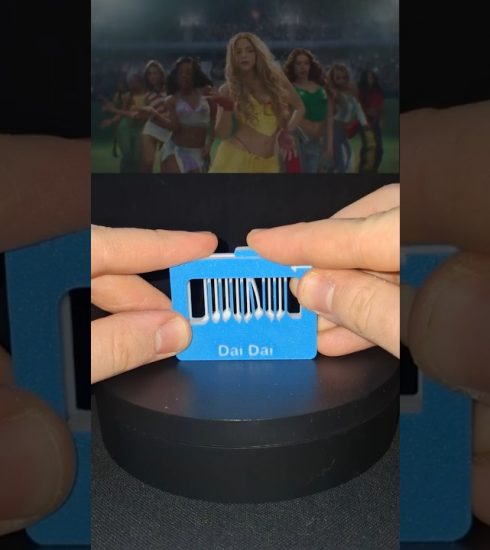
In this video, I’m introducing Snappy, a new Blender add-on I created to make designing 3D printed parts that fit together much easier.
Snappy helps you create matching cuts, control tolerances, manage booleans, and preview how parts will fit before printing. Instead of repeatedly adjusting models, exporting them and hoping the clearance is right, you can build accurate connections directly inside Blender.
🧰 Snappy Features
• Create matching cuts between objects
• Adjust clearance and tolerances
• Preview fit changes inside Blender
• Reposition parts without rebuilding the cut
• Create test pieces before printing the full model
• Design snap fits, inserts, lids and connected parts
• Automatic updates from inside Blender
🔴 Download Snappy Free or get Snappy Pro:
https://layerlab.store/pages/snappy
⚠️ Snappy Pro Early Access
Snappy Pro is currently in early access, so you may encounter some bugs while using it. I’m actively developing Snappy and releasing updates every day to fix issues and improve the tool.
As a thank you to everyone supporting Snappy during early access, Snappy Pro is currently half price. The price will increase once the early-access period ends.
❤️ Support the Channel
Patreon: https://www.patreon.com/LayerLabAustralia
👍 Like and subscribe for more 3D printing projects, Blender tools and practical design tips!
🔔 Turn on notifications so you don’t miss the next video.
#3DPrinting #Blender #BlenderAddon #CAD #3DDesign #Snappy #LayerLab
⏱️ Timestamps
0:00 – Intro
0:32 – How Snappy Works
1:25 – Snappy Free vs Pro
1:57 – Clearance Test
2:49 – Snappy Free Overview
4:33 – Snappy Pro Basics
5:24 – Boolean Management
7:00 – Fixing Cuts
8:38 – Cut Management
9:33 – Low Resolution Preview
10:54 – Cutter Operations
13:07 – Global Tools/Export
13:44 – Outro
source