
#epson printer L8050 New setup installation#sublimation printer L8050 new setup installation

Epson L8050 Sublimation Printer | New Setup Installation Guide
📦 Welcome to the Epson L8050 Sublimation Printer New Setup Installation Guide!
In this step-by-step tutorial, we’ll walk you through the complete setup process for your Epson L8050 sublimation printer, including:
✅ Unboxing the Epson L8050
✅ Filling the ink tanks with sublimation ink
✅ Installing the print drivers and software
✅ Printer head alignment and first-time nozzle check
✅ Connecting via USB or Wi-Fi
✅ Initial test print on sublimation paper
✅ Tips for heat press transfer printing
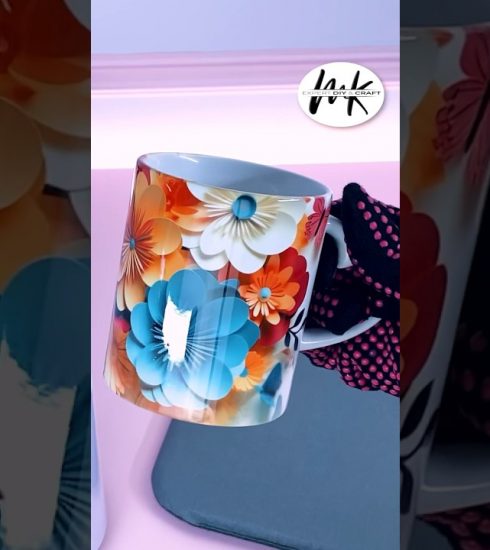
This video is perfect for beginners starting with sublimation printing, whether you’re setting up for a home business, t-shirt printing, mug printing, or other custom product needs.
🎯 What is Sublimation Printing?
Sublimation printing allows you to print high-quality, full-color images onto polyester fabrics, mugs, phone cases, and more by using heat to transfer special sublimation inks.
📌 Important Note: The Epson L8050 is originally designed for dye ink. When using sublimation ink, ensure you’re using a brand-new printer that hasn’t been filled with any other ink type.
🔧 Tools & Supplies Needed:
Epson L8050 Printer (brand new)
Sublimation ink (compatible with L8050)
Sublimation paper
Heat press machine (for transferring prints)
Laptop/PC with internet connection
🖨️ Setup Steps in the Video:
00:00 – Introduction
00:45 – Unboxing & what’s inside the box
02:00 – Filling the ink tanks with sublimation ink
04:30 – Powering on the printer for the first time
05:00 – Installing Epson drivers & utilities
07:00 – Connecting printer to Wi-Fi or USB
08:30 – Performing nozzle check & head alignment
10:00 – Loading sublimation paper
11:00 – Test print & heat transfer preview
13:00 – Final tips & troubleshooting
🎬 Don’t forget to like, subscribe, and comment if this setup guide helped you get started with your Epson L8050 sublimation printer.
📩 For questions or support, feel free to leave a comment or reach out!
source